
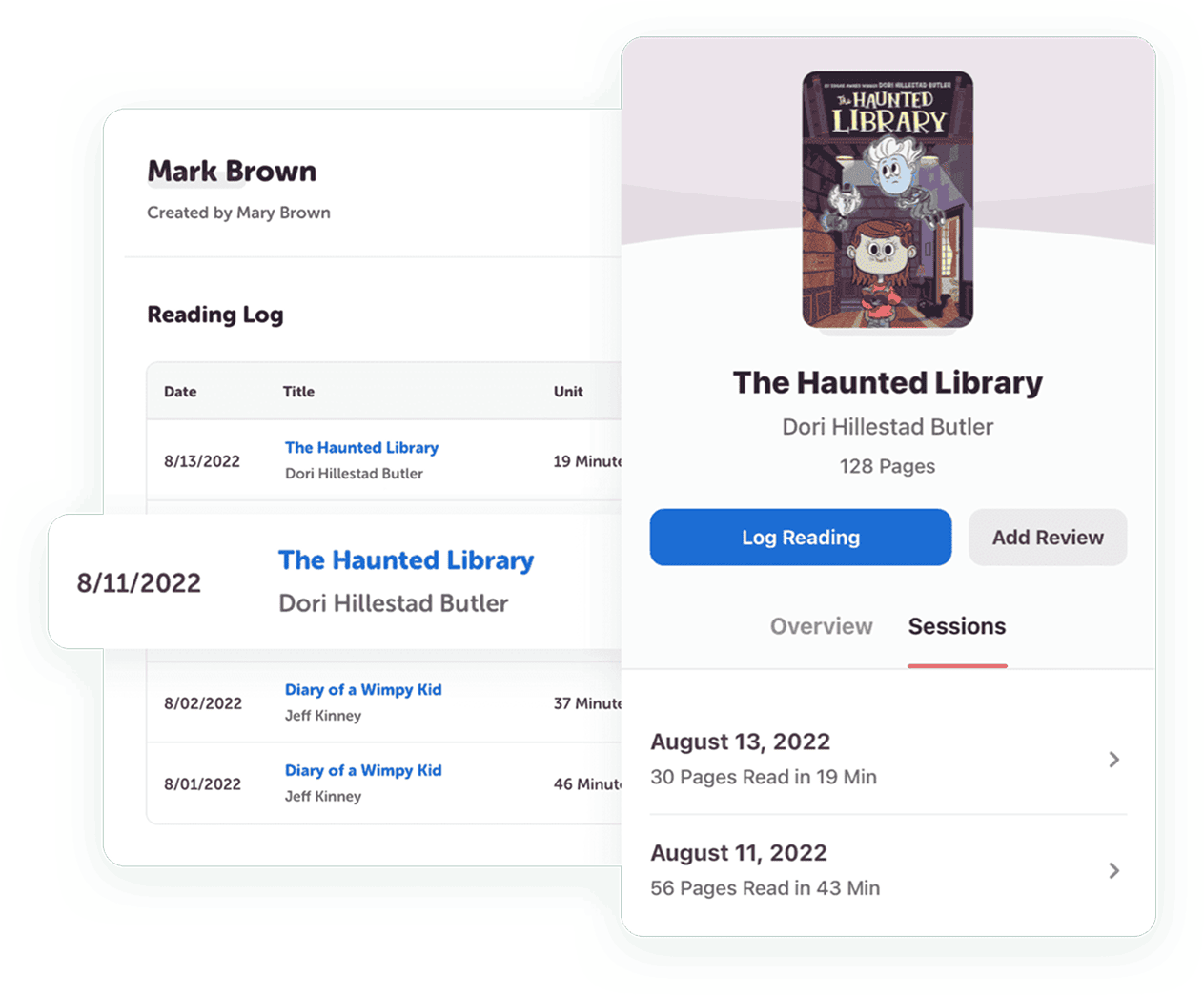
-
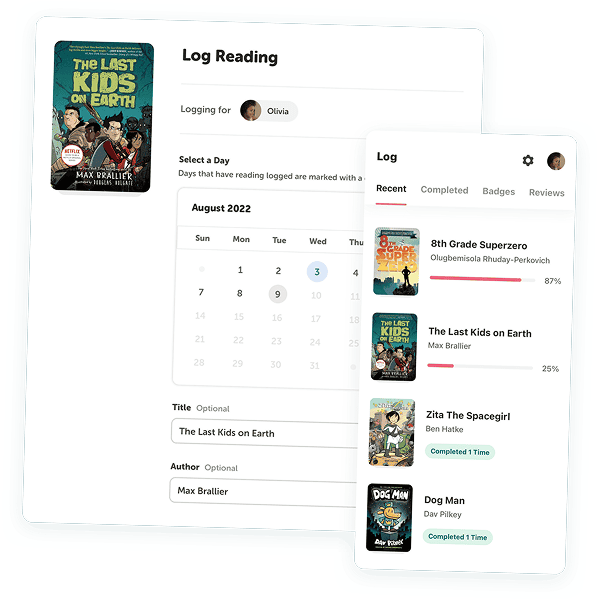
Flexible Reading Logs
Track minutes, books, or pages with features that encourage daily reading.
-
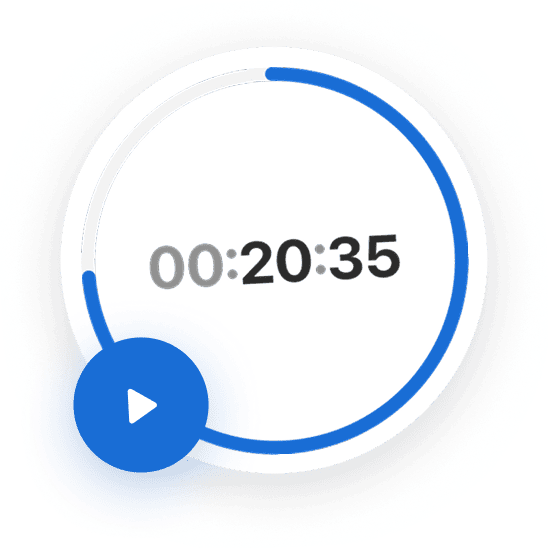
Built-in Reading Timer
Start and stop reading sessions with a built-in reading timer.
-
ISBN Scanner
Scan book barcodes to quickly add titles to your reading log, making book tracking effortless.
-
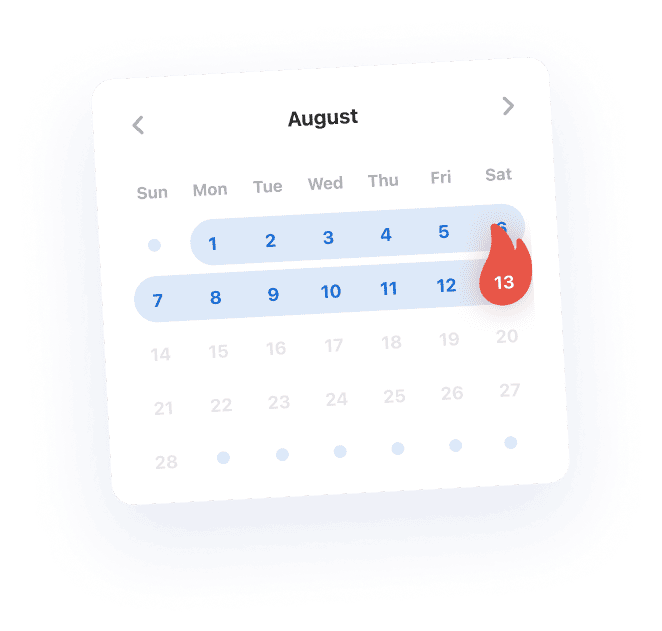
Goals, Streaks & Milestones
Celebrate progress with reading streaks, individual and community goals, and digital badges.
-
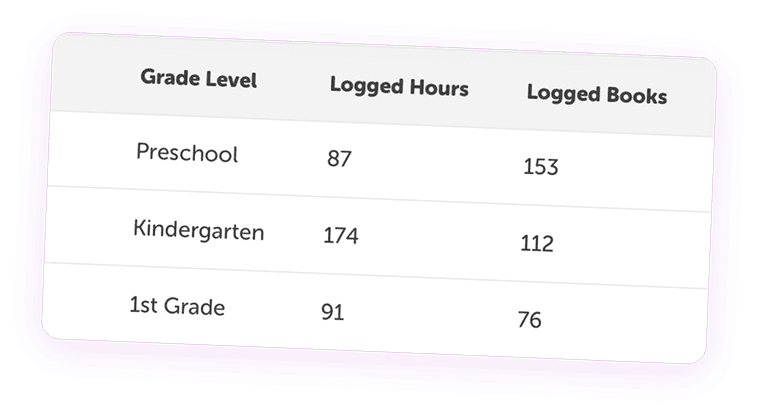
Reading History
View weekly, monthly, and all-time reading activity, with clear reading insights at every level.
-
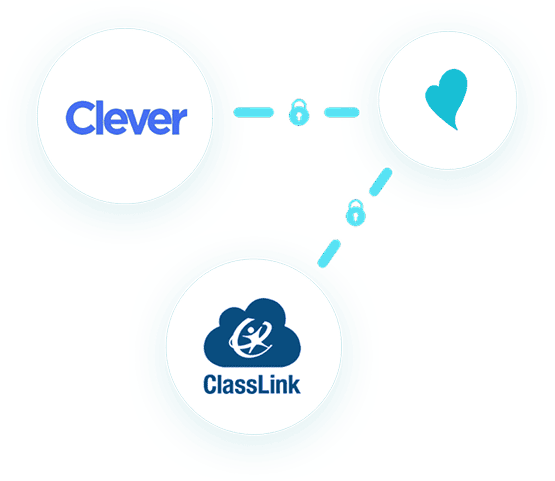
Effortless Integration
Sync with Clever, ClassLink, Epic!, and more for seamless access and reading tracking.
Built for Every Reader Journey
From early readers to lifelong learners, Beanstack makes it easy to track progress, celebrate milestones, and inspire lifelong reading habits.
See Reading Progress at a Glance
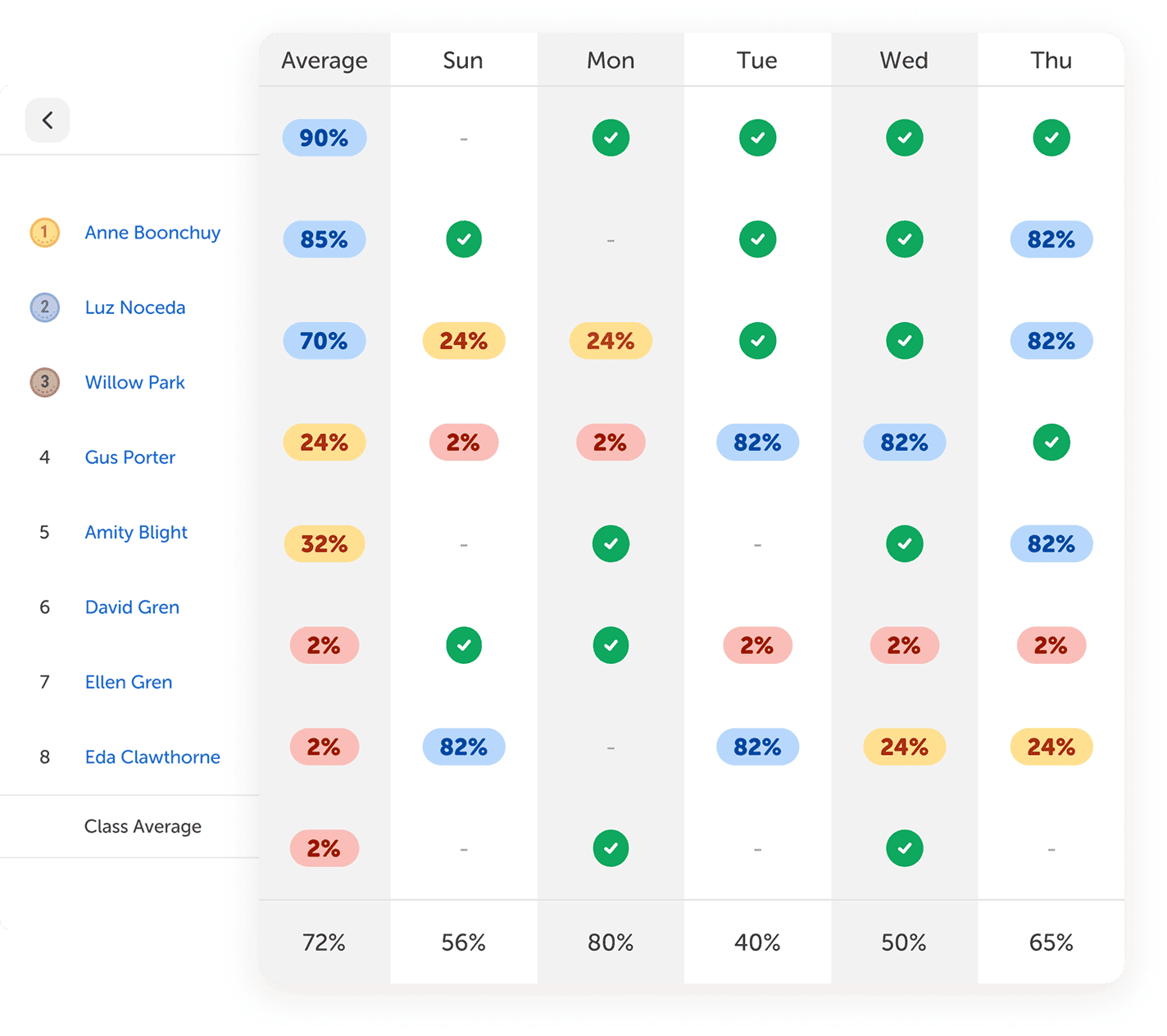
With our Daily Reading Tracker, get a visual snapshot of classroom activity to recognize consistency, celebrate progress, and encourage every reader.
-
Quick Insights
Spot trends over time to see who is building a consistent reading habit.
-
Leaderboard Recognition
Celebrate top readers each week with a class-level leaderboard.
-
Custom Goals
Track by minutes, pages, or books, and set daily baseline goals to fit your assignments.
Support Reading Comprehension
Help students reflect on what they read and share their understanding with flexible tools that give educators insight into comprehension, engagement, and reading activity while preserving student ownership and independence.
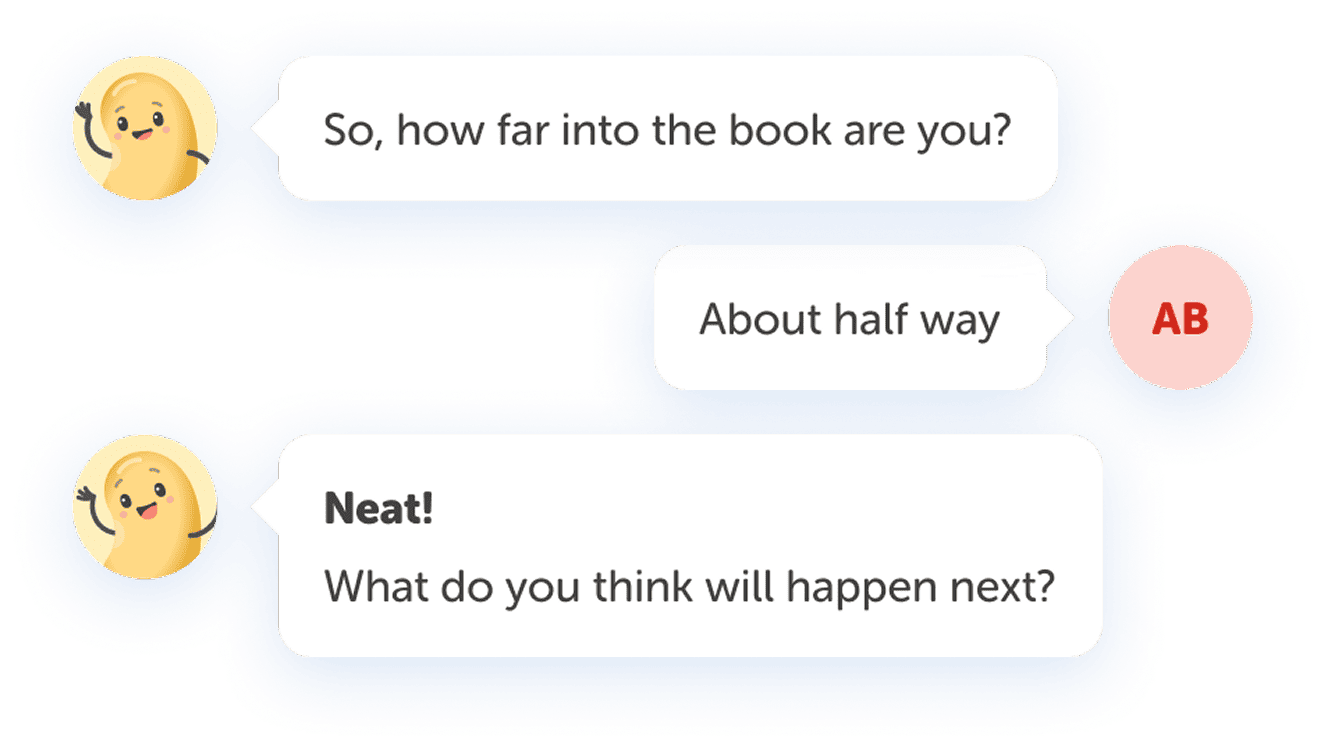
Engages students in friendly conversations about the books they're reading. These book talks encourage reflection while helping educators better understand reading activity and gain deeper insight into student engagement and comprehension.
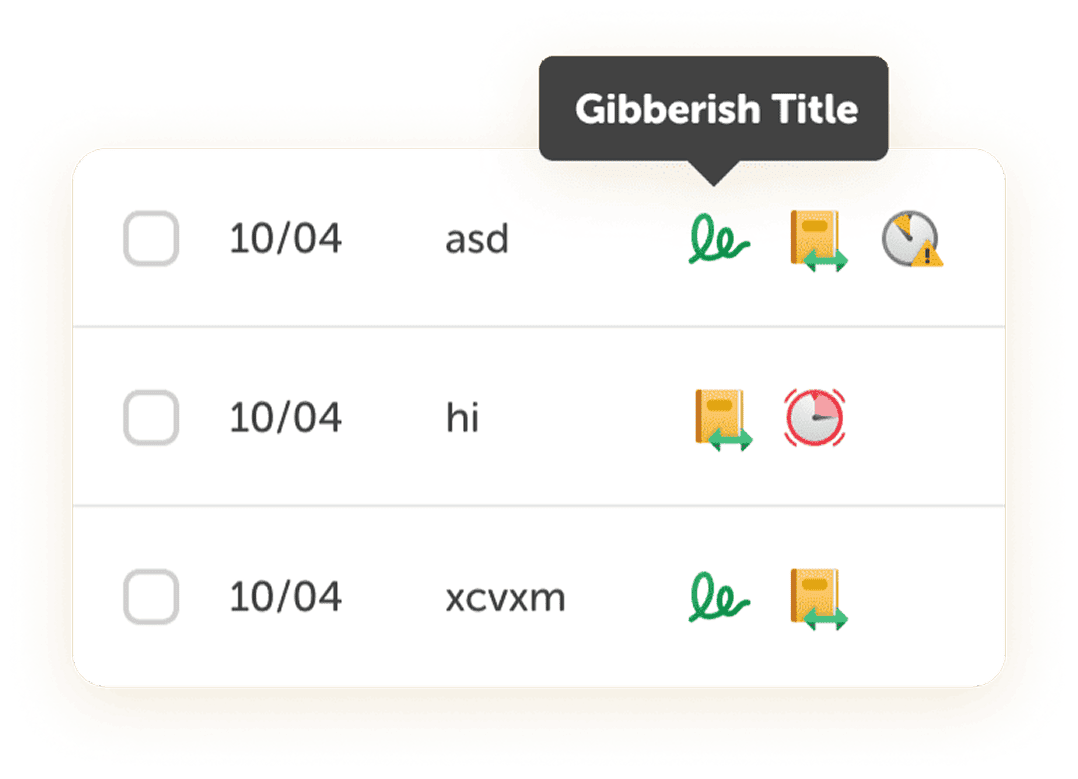
Give educators confidence in reading data with smart monitoring, customizable logging controls, and tools to verify and manage reading activity.
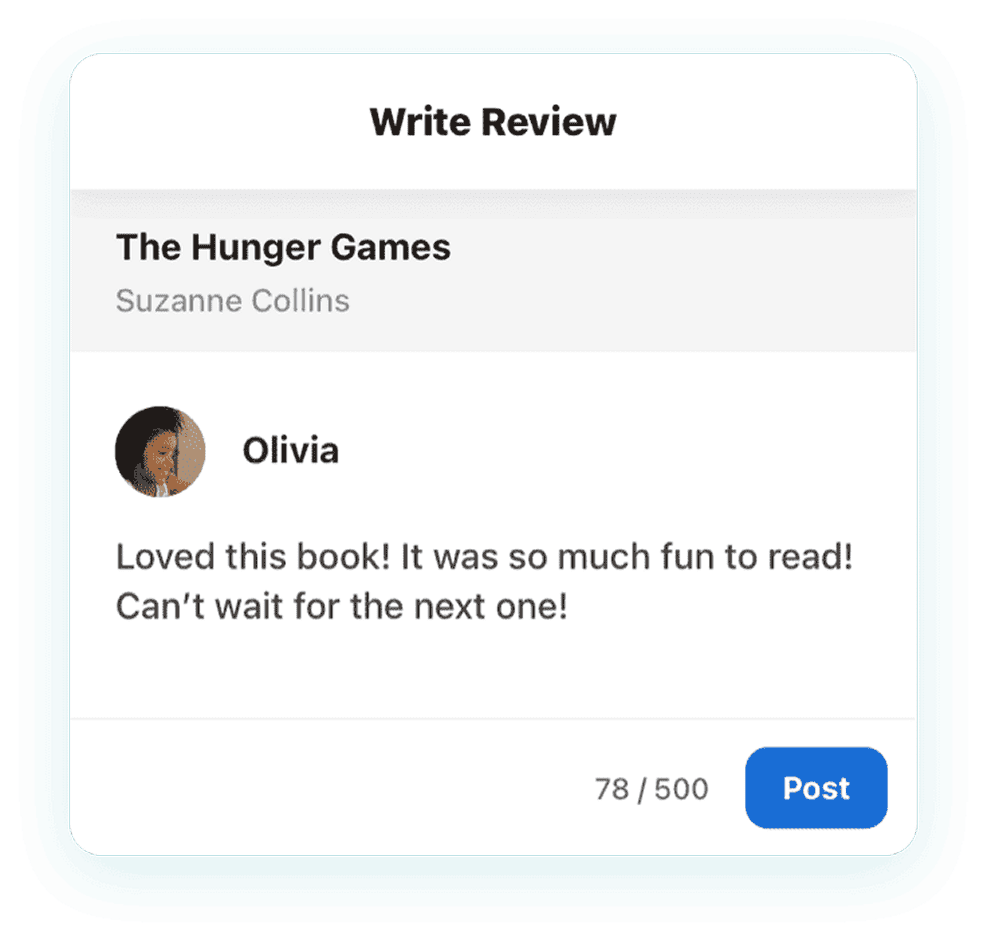
Encourage critical thinking and analysis with book reviews. Require a minimum character count for students’ reviews and approve submissions for other students to view.
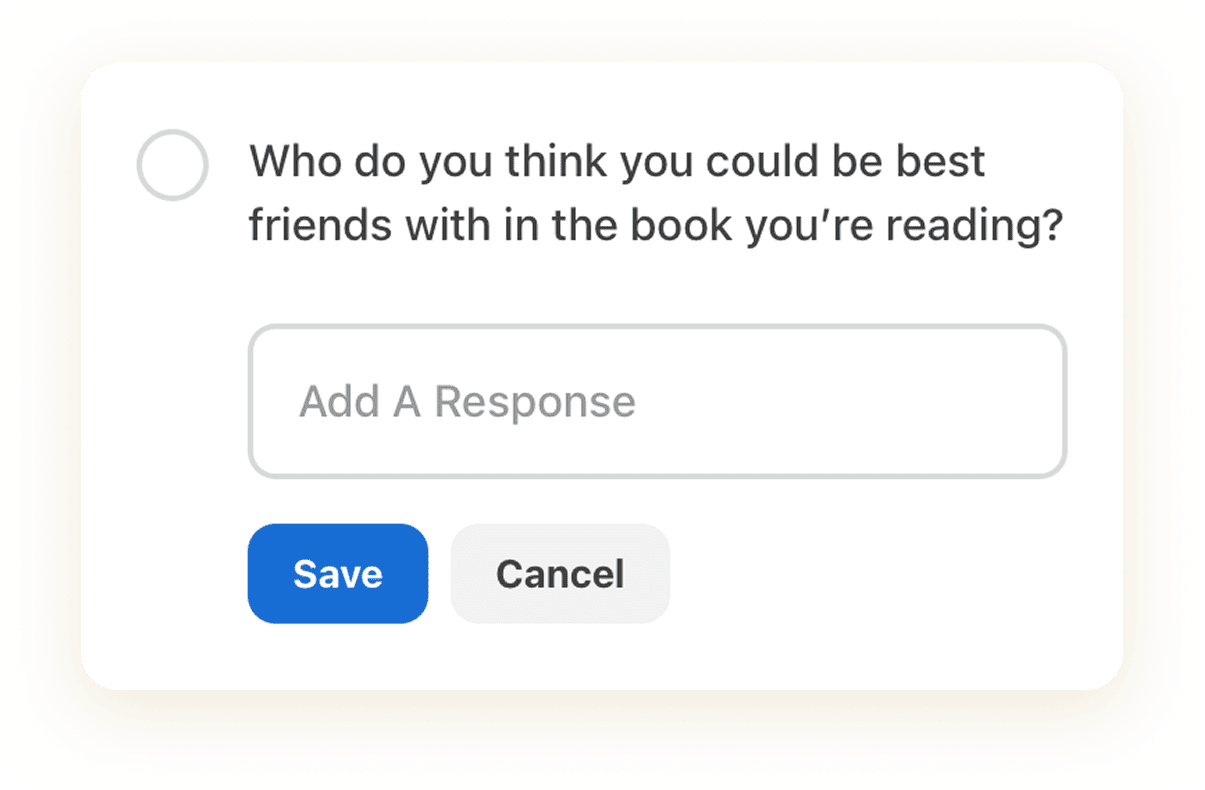
Enrich students’ independent reading and add integrity to assignments by incorporating open-text answer submissions as an accountability task.
Simplify Reading Program Management
Beanstack brings activity and reporting together in one place, making it easy to celebrate growth, support readers, and manage programs with confidence.
-
Real-Time Insights
Measure reading activity and participation as it happens.
-
Easy Log Management
View, edit, and manage reading logs from one organized dashboard.
-
Support Every Reader
Identify readers who may benefit from encouragement or additional support.
-
Scheduled Reports
View, download, and share reports whenever you need them.
-
Offline Reading Support
Add paper reading logs and offline reading activity with ease.
Tailor to Your Community
From classrooms to community-wide reading programs, Beanstack adapts to your goals and your readers.
FAQs
No more crumpled papers or forgotten signatures. Beanstack turns reading logs digital, so readers can easily track books, minutes, or pages on the web or mobile app.
Students can log reading automatically or manually in just a few taps. They can start and stop a built-in timer, scan book ISBNs, or manually add titles to their reading log. Beanstack automatically records reading time and keeps all statistics—daily, weekly, and yearly—in one place.
Yes! Readers can log print books, audiobooks, comics, articles, or ebooks. Whether it’s a new favorite or a re-read, Beanstack keeps every story counted.
Not anymore. Teachers and librarians can view reading progress, track goals, and celebrate achievements with the help of reports and leaderboards.
Definitely, built-in reading integrity tools, like light comprehension prompts through our Book Talks with Benny feature and log alerts, help ensure accurate data without stressful quizzes or signatures.
Absolutely. Beanstack supports everything from schoolwide challenges to daily classroom reading goals. Teachers can track independent reading, classroom novels, and more—all in one platform.